How to Qwyga
Your start with Qwyga – ready to learn in just a few minutes
Your start with Qwyga – ready to learn in just a few minutes
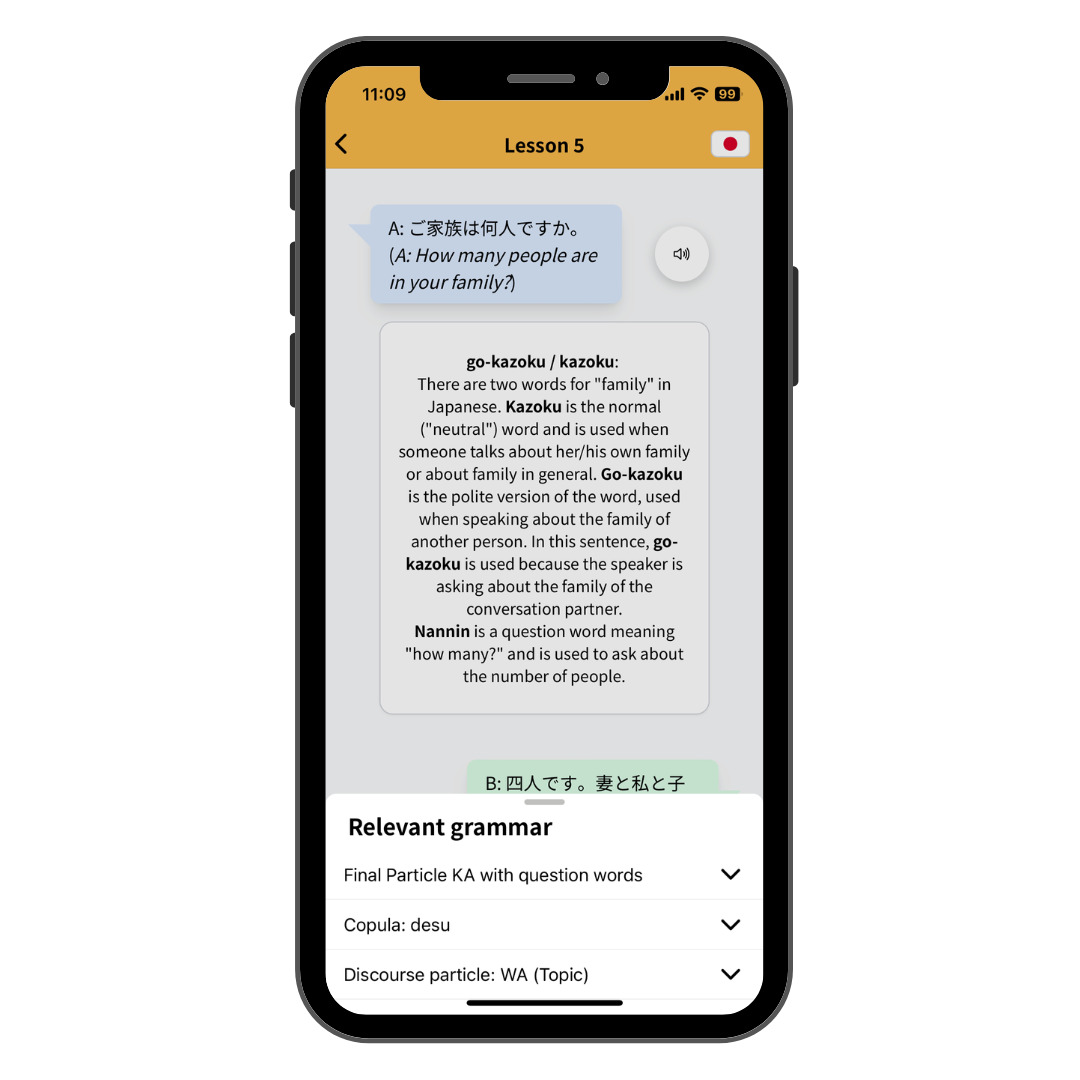
When you open Qwyga for the first time, we guide you step by step through the most important settings. Don’t worry – it only takes a moment and ensures the app fits you perfectly afterward.
Learning without gimmicks – but with a clear concept
During onboarding, we briefly introduce our philosophy: Qwyga is based on modern learning research. No pointless minigames, no streaks, no artificial pressure – real, sustainable learning is our focus. Many studies show that streaks may motivate in the short term but harm long-term learning success. That’s why we deliberately avoid them.
Why do you need an account?
Before you get started, we ask you to create a free account. This is necessary so Qwyga can store your learning preferences, save your progress, adapt content to your learning style, and sync across multiple devices. We only store what’s necessary for your learning – and you can delete your account at any time.
Small settings – big impact
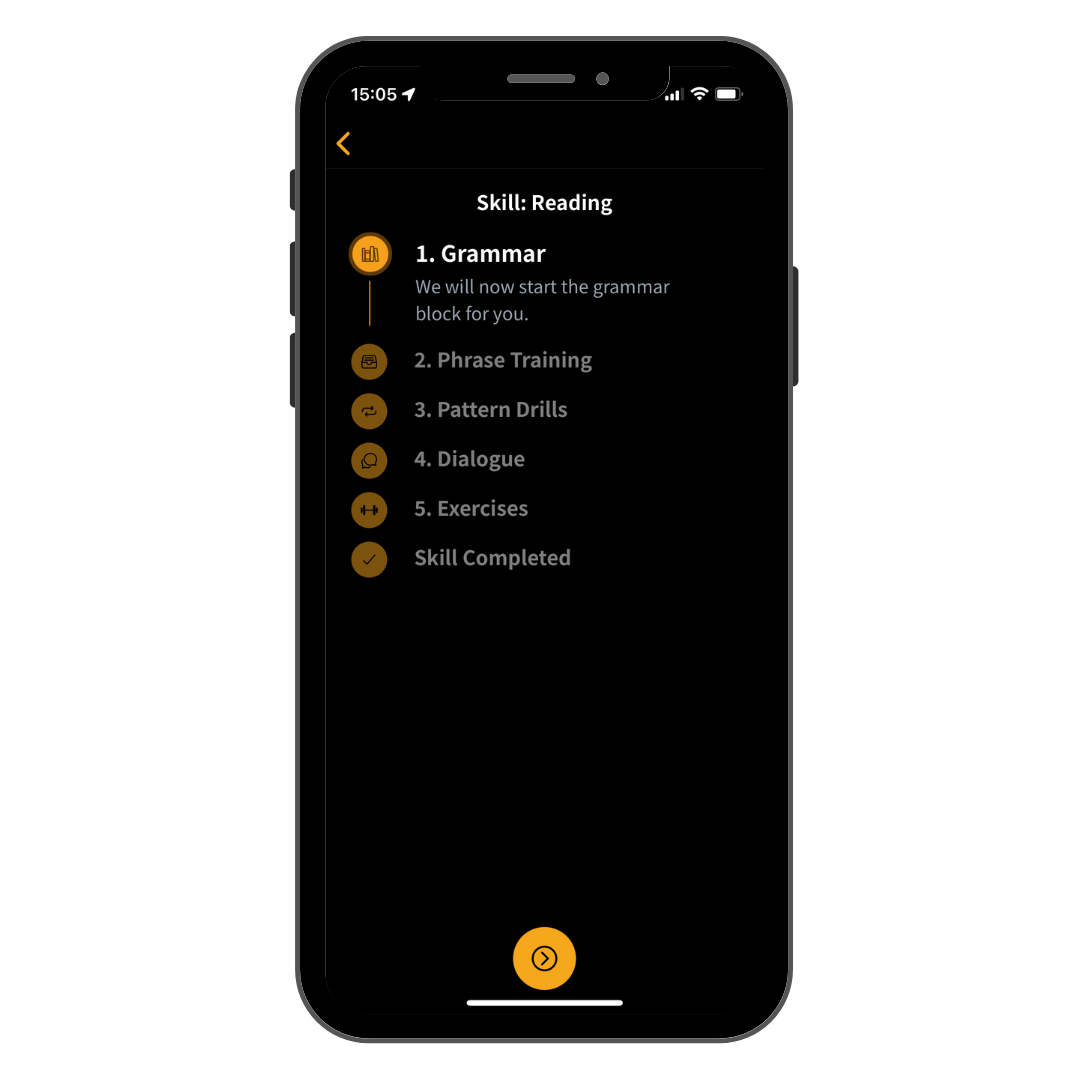
In a short questionnaire, you can choose whether you want sound effects and which language skills you want to train. You can combine listening, speaking, reading, and writing flexibly or focus on just one area.
Grammar – the way it works for you
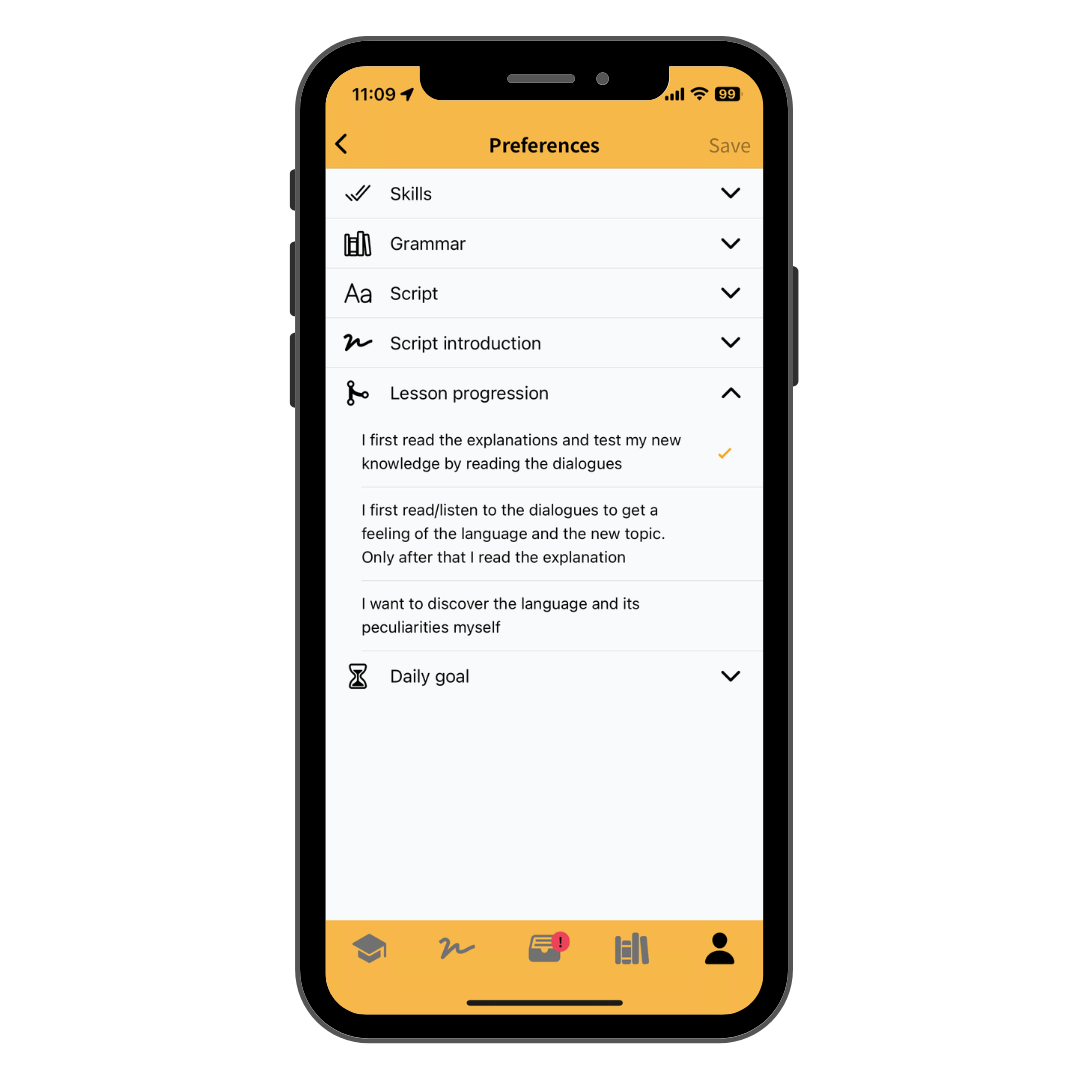
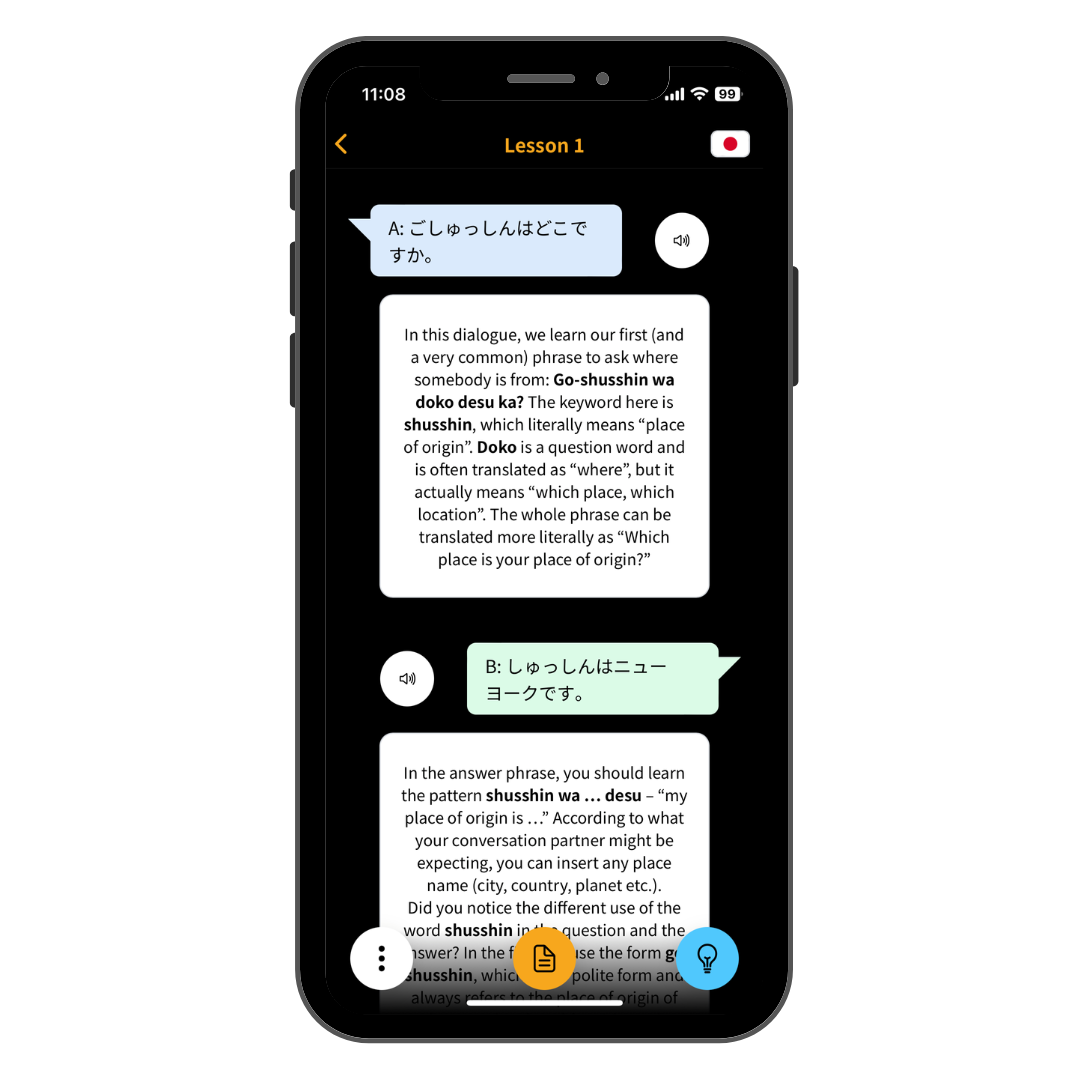
Qwyga doesn’t force you into a single learning method. You can choose between detailed, linguistically grounded explanations, practice-only learning, or simple explanations without technical terms. This is where Qwyga differs significantly from traditional apps.
Writing system – learn it or skip it
If you're learning a language with its own writing system, you can get a step-by-step introduction. If you're already familiar with it, you can simply skip this part. No unnecessary overhead.
And the final step: your subscription with a fair trial
After onboarding, you’ll see the subscription options: monthly, 3 months, or yearly. You can try Qwyga before committing long-term. There are no hidden costs, and you can cancel at any time.